
Electronic queue
Queue management systems: ticket kiosks and call displays
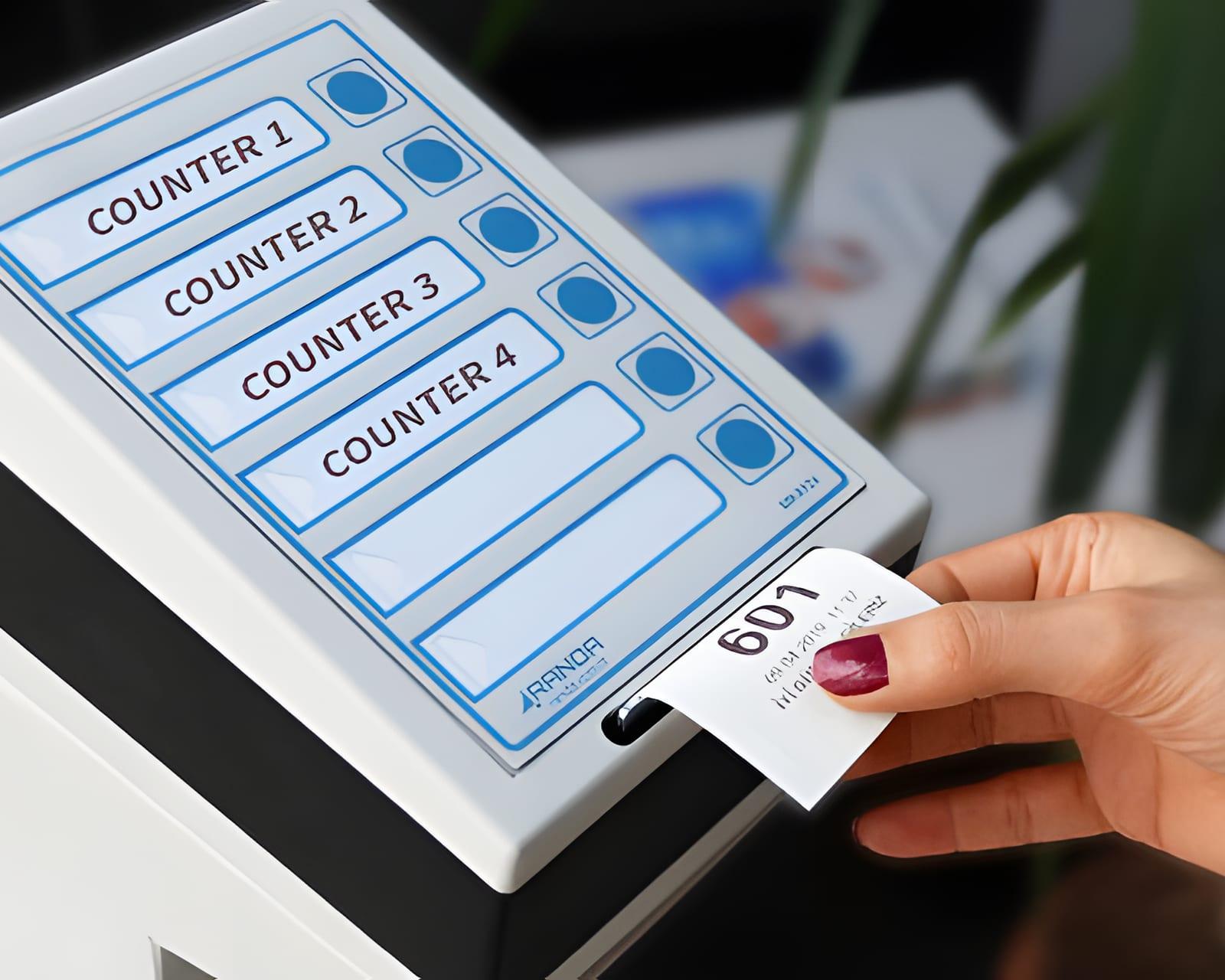
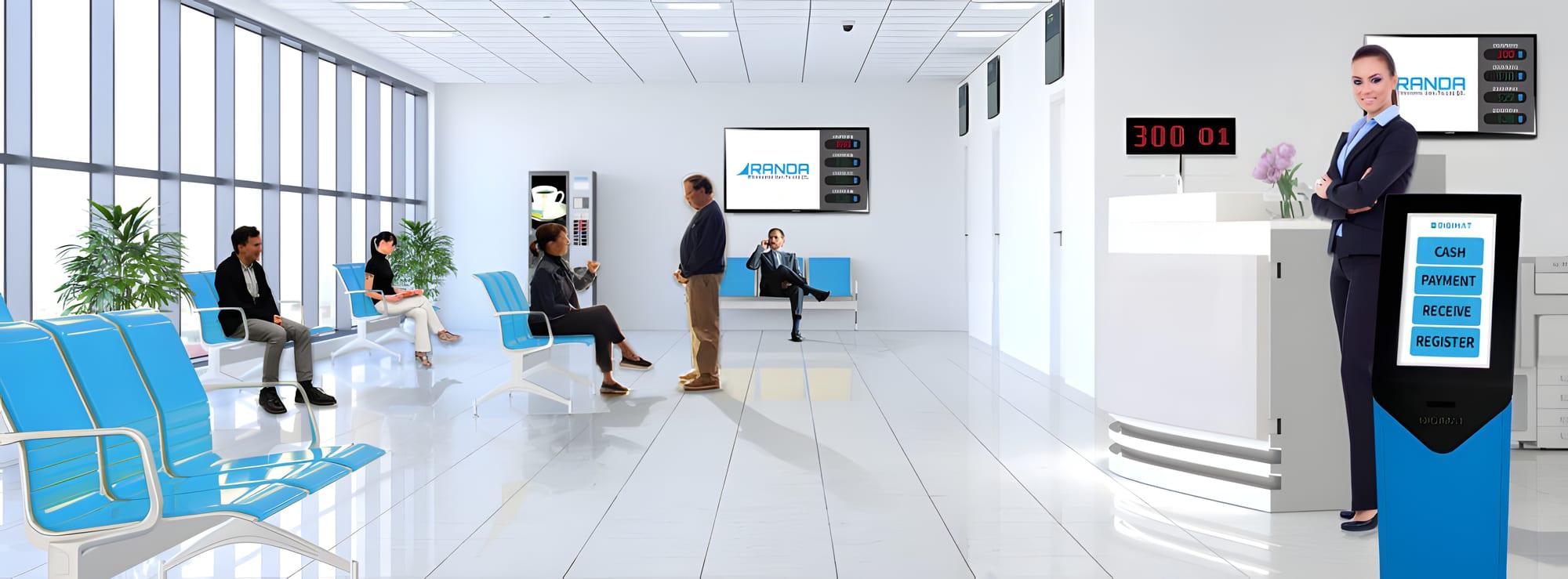
We design, install and maintain electronic queue management systems for bank branches, clinics, public service centres and customer service halls. The customer takes a ticket from the kiosk and follows the queue on the display, and the operator calls the next customer from a console. We work with Randa equipment.
- Ticket kiosk and call displays
- SMS and mobile notifications
- Randa equipment
- founded
- 2017
- completed projects
- 500+
- clients
- 200+
Types of queue system
The type follows the customer flow and the way the service is organised. Several methods can work together at one site.
Electronic queue
The customer takes a number from the kiosk and follows the queue on the display.
Virtual queue
The customer joins the queue from a mobile phone or online and does not have to wait in the hall.
Online booking
The date and time of the appointment are chosen in advance.
Live queue management
Operators call customers from the system and direct them to the right counter.
Hybrid system
Electronic queue, virtual queue and advance booking combined in one system.
What the system consists of
The system is built around the number of counters and the types of service at the site.
- Kiosk that prints queue tickets
- Call displays for the hall and voice announcements
- Operator console or software on the operator’s computer
- Central management software
- SMS and mobile notification module
- Statistics and reporting dashboard: waiting time, service time, counter workload
Which sites
A queue system is useful wherever customers wait to be served.
- Banks and financial institutions
- Hospitals and clinics
- Public service centres
- Mobile operators’ service centres
- Universities and educational institutions
- Retail and service outlets
What the service includes
From the kiosk to the software, one team installs and commissions the system.
- Site visit: we study the number of counters, the types of service and the customer flow
- Supply and installation of the kiosk, displays and operator consoles
- Software set-up: service types, counters, ticket template, announcements
- Showing the staff how to use the system
- Maintenance
Brands we use for this system

How it goes
Five steps from enquiry to maintenance
- 1
Site survey
Free. We visit the site and define the requirements, cable routes and existing systems on the spot.
- 2
Design and quote
Layout, equipment list and quotation within 1–3 working days; fire authority approval where the project needs it.
- 3
Installation
By our own technical team, around the site’s working schedule.
- 4
Testing and handover
We test the system, train the users and hand over the acceptance certificate and documents.
- 5
Maintenance
6–12 months’ installation warranty; annual contract with periodic checks and fault call-outs.
Frequently asked questions
Questions about this service
Contact
Ask for a free site visit
We come to the site, define the requirements on the spot, then prepare the design and the quote. We reply within one working day.
Baku office
Baku, Narimanov district, Ağa Nemətulla str. 247
+994 50 453 33 45 · info@safetysolutions.az
Mon–Fri 09:00–18:00 · emergency call-outs outside office hours